
From Ad Click to Purchase: What SaaS Founders Miss
Most SaaS Google Ads reporting quietly undercounts revenue because it assumes conversion happens the same day as the click. This anonymized audit shows how to diagnose the real time lag and fix measurement so you can make better budget calls.
Introduction
A pattern we see in a lot of growth focused SaaS ad accounts is not a bidding problem, not a creative problem, and not even a landing page problem.
It is a measurement story problem.
Specifically: the account is optimized and evaluated as if users click an ad and convert right away. In reality, SaaS buying journeys often include multiple sessions, internal approvals, tool comparisons, and delayed signups or upgrades.
This anonymized audit came from a recent account review where the central question was simple:
What actually happens between an ad click and a purchase?
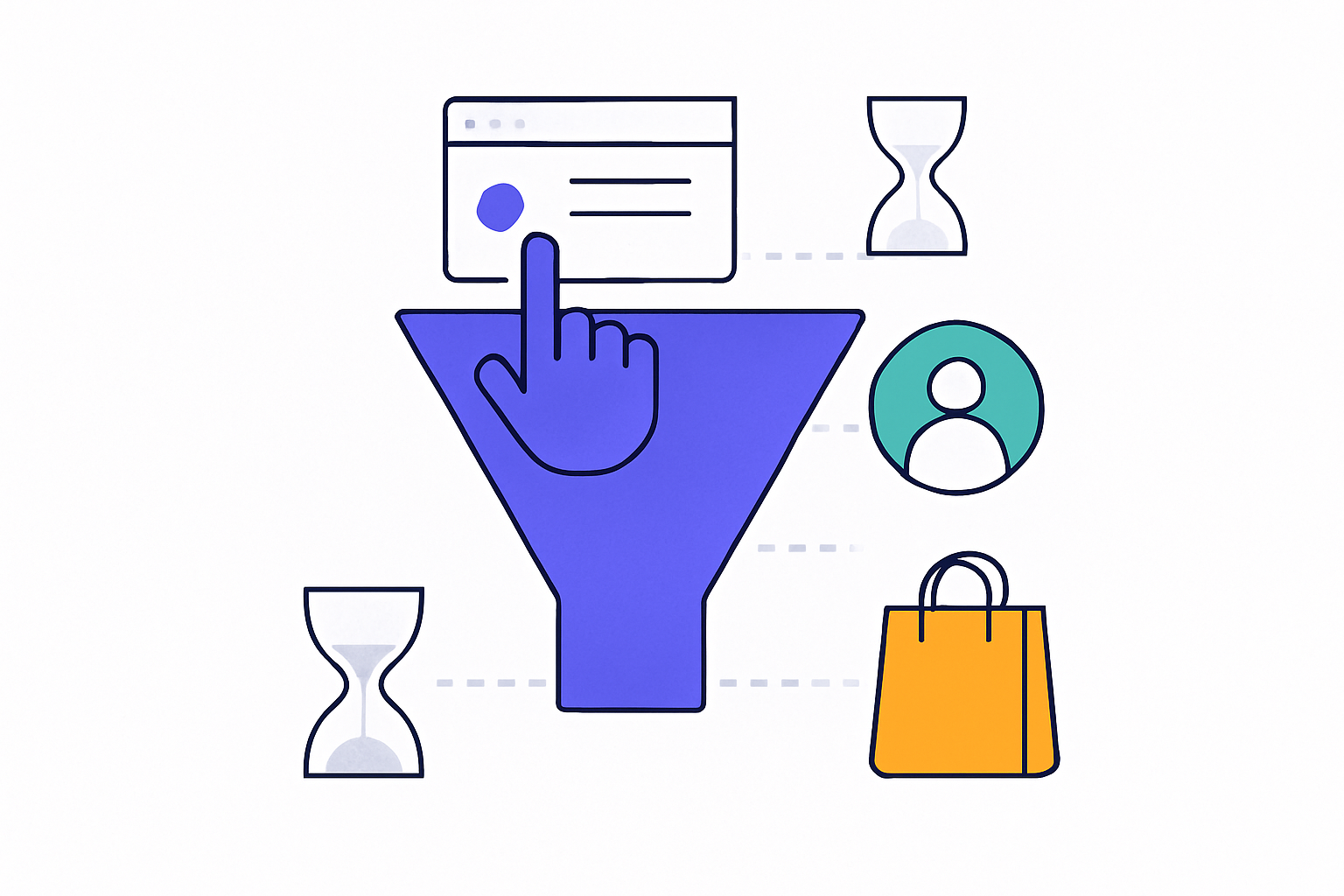
Symptoms we commonly hear from founders and growth leads in this situation look like this:
- “Google Ads looks worse than it feels. We keep hearing deals mention us, but the numbers do not match.”
- “We turned ads off and pipeline did not drop immediately, which makes us doubt attribution.”
- “Brand search seems to get all the credit.”
- “It takes weeks for revenue to show up, but reporting is daily and forces snap decisions.”
Key takeaway: Treating every conversion as same day is one of the quiet reasons reported numbers undercount real revenue.
The setup: why SaaS is especially vulnerable to time lag
E-commerce often has a short path from click to purchase. SaaS rarely does.
Even in self serve products, the journey usually includes at least one of these steps: trial, onboarding, activation milestone, billing setup, stakeholder review, or security checks.
That means there is time delay in at least two places:
- Click to lead (user researches, comes back later)
- Lead to revenue (trial to paid, sales cycle, expansion)
If your Google Ads measurement only “sees” immediate conversions, the campaigns that introduce and educate will look weak, while campaigns that catch returning users will look strong.
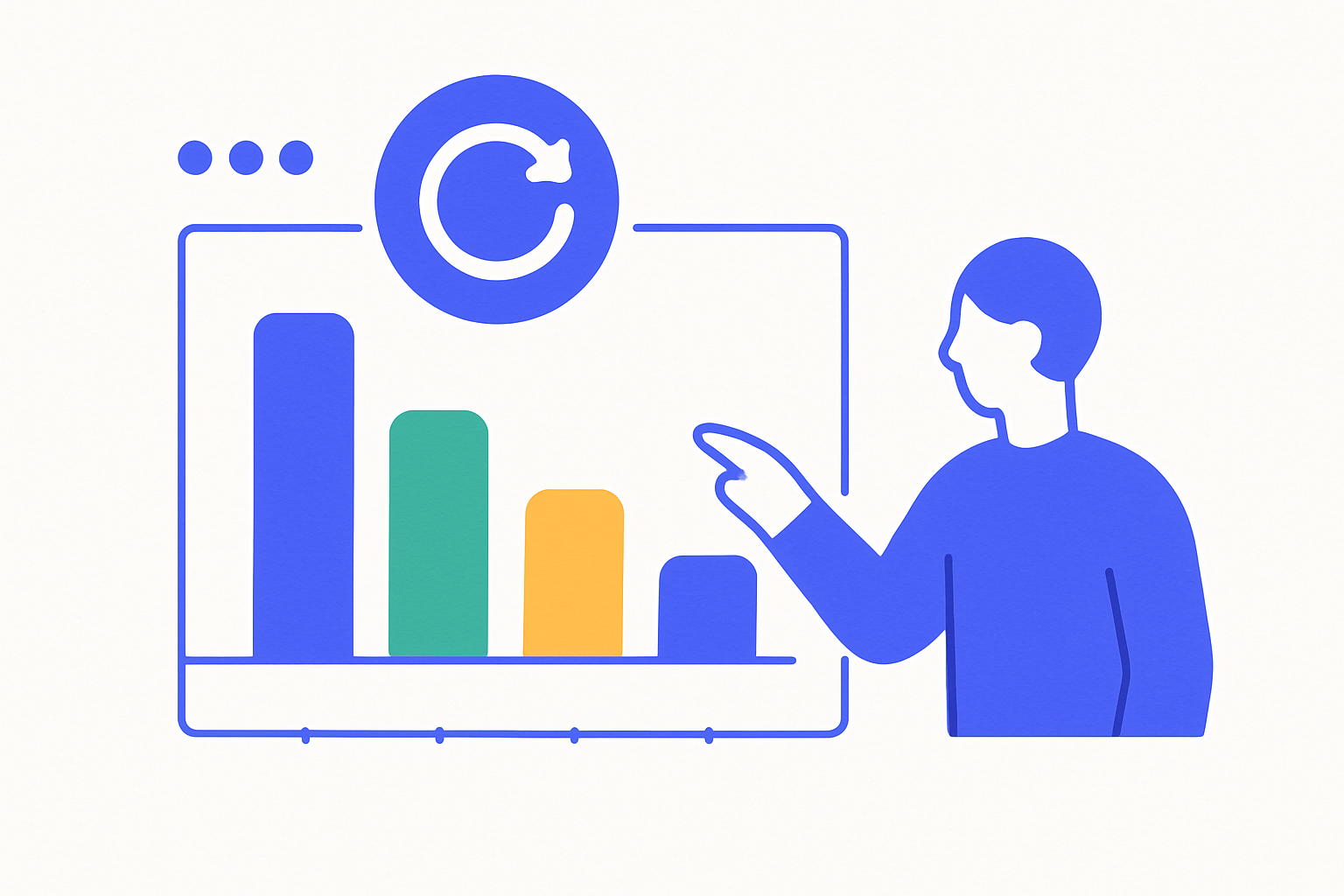
What the audit focused on
This audit was run with an editorial lens instead of a classic checklist. The brief was: map the real journey between ad click and purchase.
Rather than hunting for obvious red flags like broken tracking or disapproved ads, the goal was to surface whether reporting assumptions matched how customers actually buy.
The audit flagged a high priority finding around the click to purchase timeline and the risks of treating conversions as instant.
In plain terms: the account might not be “underperforming.” It might be under counted.
Diagnosis process: how we validate the click to purchase gap
When we investigate this, we try to answer three questions in order:
- How long does it take most customers to convert after first ad click?
- How many touchpoints happen between click and conversion?
- Which campaigns influence the journey early vs late?
You can do this without any exotic tooling. The goal is to triangulate using what you already have.
Here is the practitioner workflow we typically use.
1. Start with Google Ads conversion lag
In Google Ads, conversion lag reporting helps you see how many conversions happen on the same day versus later days.
If you find that a large portion occurs after day 1, optimizing purely on daily numbers will bias decisions toward bottom of funnel intent and against discovery campaigns.
Practical checks:
- Compare lag for “sign up” versus “subscribe” events
- Look for a long tail beyond 7 days
- Segment lag by campaign type (brand, non brand, competitor, remarketing)
2. Compare attribution views, not just one
Founders often look at one default view, then conclude “ads are not working.”
In reality, the channel that gets last click credit is not always the channel that created demand.
Practical checks:
- Compare last click vs data driven attribution where available
- In GA4, review conversion paths and time to conversion
- Watch for brand search absorbing credit after non brand starts the journey
3. Sanity check with CRM and pipeline timestamps
If you are a SaaS founder, your real revenue truth is in the CRM, billing system, or product analytics.
Practical checks:
- First touch timestamp vs opportunity created vs closed won
- Time from first visit to trial start to paid
- Match a sample of closed won deals back to campaign touchpoints
Key takeaway: If sales cycles are 14 to 45 days, evaluating campaigns on day 0 ROAS will systematically undervalue them.
Root causes we see behind undercounted revenue
Once the lag is confirmed, the root causes usually fall into a few buckets.
Root cause 1: Short attribution windows and misaligned conversion settings
If your conversion window is too short or your primary conversion event is “purchase only,” you miss the leading indicators that tell Google Ads what quality looks like.
Common manifestations:
- Only tracking final payment, not trial start or qualified lead
- Conversion window set in a way that misses long consideration periods
- Offline conversions not imported back into Google Ads
Root cause 2: Optimization anchored to same day performance
Teams tend to optimize to what they can see quickly. That pushes budgets into campaigns that harvest existing intent.
This usually looks like:
- Brand campaigns getting most credit
- Remarketing campaigns appearing to be the hero
- Non brand prospecting being paused too early
Root cause 3: Missing narrative of micro conversions
SaaS journeys have meaningful steps before revenue. If those are not measured, the account is blind to progress.
Examples:
- Trial started
- Product activated (first key action)
- Demo booked
- Pricing page viewed after returning session
These events do not replace revenue tracking, but they create signal and let you judge whether top of funnel campaigns are doing their job.
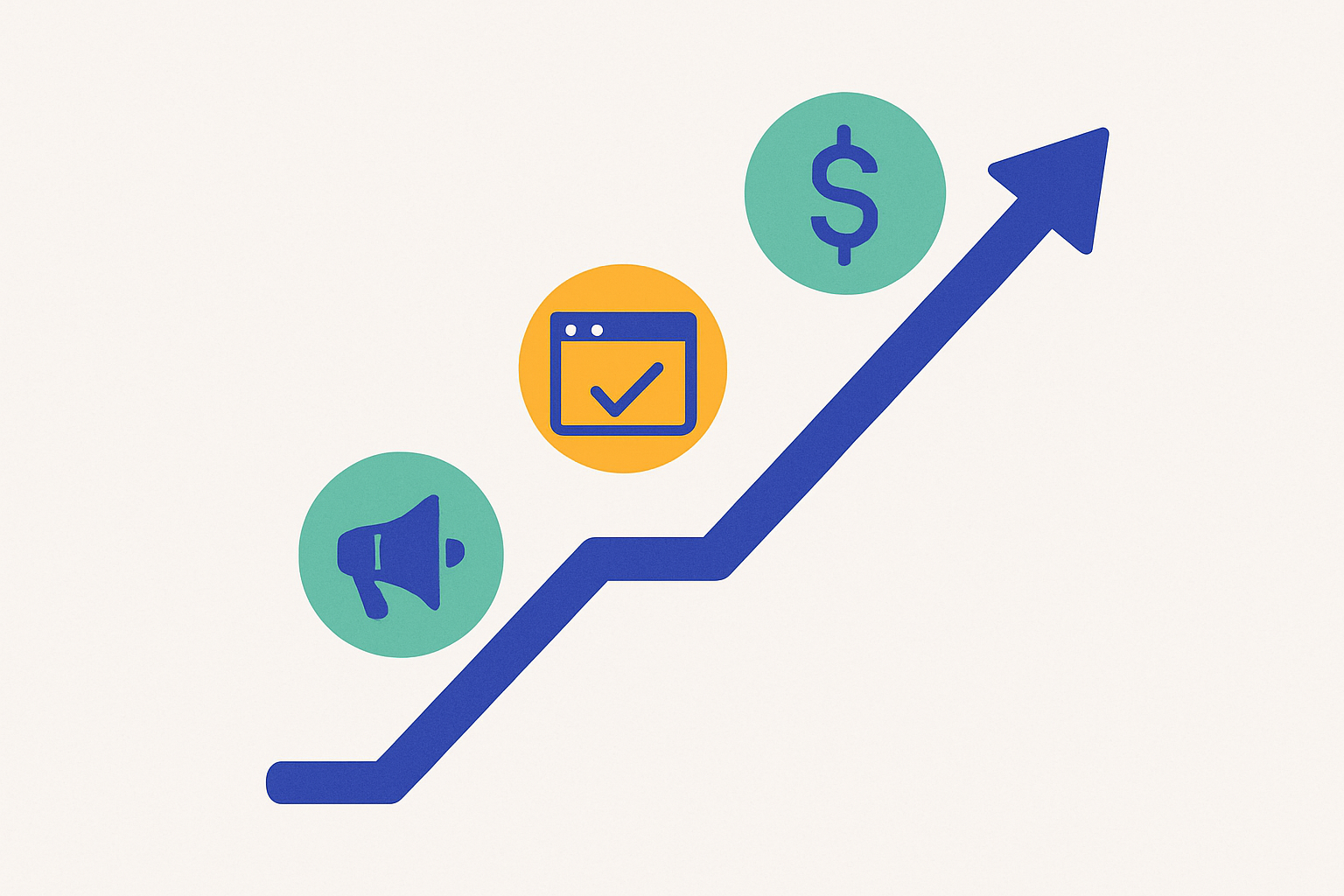
Fixes: how to align Google Ads with the real buying journey
The goal is not to inflate numbers. It is to build a measurement system that matches how customers buy so you can make budget decisions with less guesswork.
Here is a practical sequence we recommend for SaaS teams.
1. Define the “north star” conversion and the supporting signals
Start by agreeing on what success is in your business model.
For many SaaS companies, it is something like:
- Paid subscription started
- Sales qualified pipeline created
- Closed won revenue
Then identify 2 to 4 upstream events that predict that outcome.
- Trial start
- Demo booked
- Activation milestone reached
- Qualified lead submitted
Key takeaway: You want Google Ads to learn from earlier signals, while leadership still evaluates success on revenue.
2. Ensure your conversion windows match your cycle
If your typical time to purchase is measured in weeks, you need your tracking and reporting windows to reflect that.
Practical steps:
- Review conversion windows in Google Ads for primary actions
- Confirm GA4 and ad platform attribution settings are not artificially short
- Choose reporting timeframes that allow lag to play out (weekly and monthly views, not just daily)
3. Import offline outcomes where possible
If you have sales assisted conversions, importing offline conversions can close the loop.
Even a basic setup can help:
- Upload qualified leads back into Google Ads
- Upload closed won outcomes with timestamps
- Pass a consistent click identifier through forms
You do not need perfection to get value. Start with a clean mapping and a repeatable weekly upload process.
4. Separate “demand capture” from “demand creation” in reporting
Not every campaign should be judged on immediate ROAS.
A useful reporting split is:
- Demand capture: brand search, high intent keywords, bottom funnel remarketing
- Demand creation: non brand problem aware search, competitor research terms, educational angles
That way you can still hold performance standards, but you stop punishing the campaigns that introduce new users.
What changes after you fix this
Once click to purchase lag is properly understood, founders typically notice three improvements.
First, decision making becomes calmer.
You stop reacting to daily swings that are mostly lag and attribution noise.
Second, prospecting campaigns get a fairer evaluation.
Instead of pausing them after a few days of weak numbers, you can measure whether they are generating quality signals like trial starts and activations.
Third, the team has a shared language.
Marketing, sales, and product stop arguing about whose dashboard is “right” because the journey is mapped end to end.
This does not guarantee performance improvements by itself, but it prevents you from making the most common expensive mistake: cutting off the campaigns that feed the future pipeline.
Lessons learned for SaaS founders
If you only take a few points from this case study, make them these:
- Most SaaS conversions are not same session. Build reporting that expects a delay.
- Brand and remarketing will always look best in last click views. That does not mean they are the only drivers.
- Micro conversions are not vanity if they predict revenue. Use them to guide optimization.
- Measurement precedes optimization. Otherwise you are just tuning knobs on a distorted dashboard.
Key takeaway: When you understand time to conversion, you stop confusing “slow revenue” with “bad traffic.”
Want to sanity check your click to purchase reality?
If you are a SaaS founder running Google Ads and the numbers feel disconnected from what you hear in sales calls or pipeline reviews, it is worth auditing the journey between click and purchase.
VEOtool is building lightweight audits that surface issues like conversion lag, missing signals, and attribution blind spots without drowning you in jargon.
If you want, you can request a beta audit or try the VEOtool beta and see what your account is really measuring.
Try VEOtool beta or request an anonymized-style Google Ads audit focused on your click to purchase journey.
Request an audit